 GIF Crate
GIF Frame Extractor
Save every frame of a GIF as a PNG inside one ZIP. A step of 2, 3, 4, 5, or 10 keeps fewer frames. The file stays in this browser.
Preview
Upload GIF
Tap or click to choose a GIF, or upload from a URL. You can also drop a file or paste.
Controls
Eight frames, and the ZIP keeps all eight

The contact sheet is the GIF this page starts from. An amber moth crosses a warm table. The picture is 560 by 220, eight frames, and nothing in it is lettering. Step 1 keeps every frame, so a download from this file is eight PNGs named frame-001.png through frame-008.png. Each frame waits 10 hundredths of a second. This file is 7,968 bytes. The tool does not write those PNGs back into the GIF.
Step 2 leaves the in-between frames out

Step 2 keeps the first frame and then every second frame. On an eight-frame crossing that is four pictures: the frames that were 1, 3, 5, and 7. This file is already that shorter trip, 420 by 220, four frames, each waiting 10 hundredths of a second, 3,617 bytes. The moth still moves left to right. The frames that sat between these four are not in the file, and they would not be in the ZIP.
One frame is still a ZIP
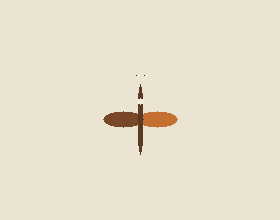
A step larger than the frame count keeps only the first frame. This sheet is that case on purpose: one frame, 280 by 220, waiting 40 hundredths of a second, 712 bytes. The moth sits in the middle. The ZIP still has one PNG, frame-001.png, rather than a loose download. Reset puts the step back to 1 and does not write a file.

A transparent frame stays transparent in the PNG
The page draws a checkerboard behind this GIF. The file does not contain the checkerboard. Index 0 is transparent, the picture is 320 by 200, and four frames each wait 12 hundredths of a second. This file is 2,951 bytes. A PNG from the tool keeps that transparency. The moth is the only painted shape. GIF Background Remover clears one color inside a GIF. This page leaves the GIF alone and writes PNGs.
The PNG is the size of the GIF
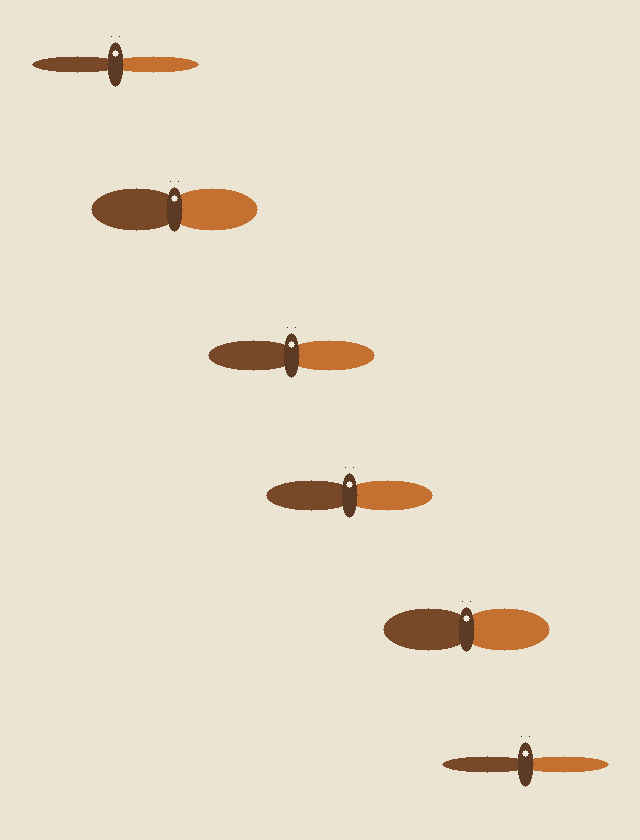
The same eight-frame crossing, pressed into a strip 640 by 140. Each frame waits 8 hundredths of a second. This file is 6,523 bytes. Step 1 still means eight PNGs. The width and height of each PNG match the GIF, so these would be 640 by 140, not the 560 by 220 of the sheet above. The tool does not crop.
Skipped frames leave a gap in the file names
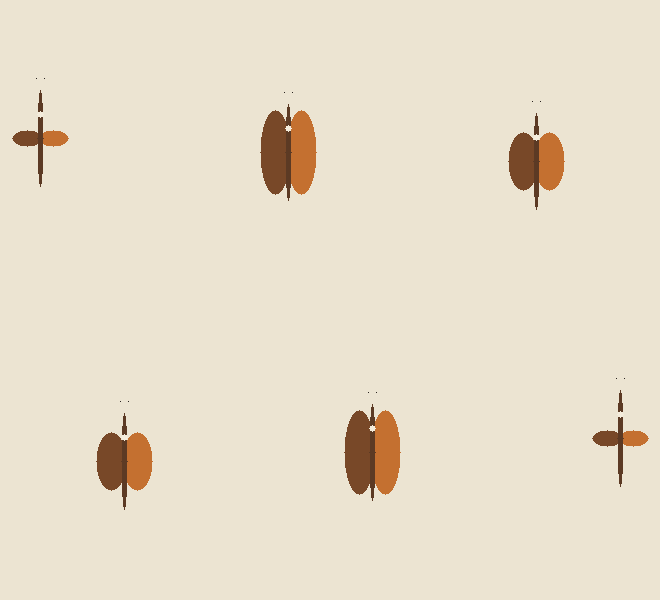
Six frames, 220 by 300, each waiting 12 hundredths of a second. This file is 4,662 bytes. The moth rises instead of crossing. Step 2 on six frames keeps three PNGs: frame-001.png, frame-003.png, and frame-005.png. The names follow the source frame, so a skipped frame leaves a gap in the numbers.
Step 3 turns eight frames into three PNGs

Eight frames at a step of 3 become three: the first, the fourth, and the seventh. This file is those three positions already, 480 by 180, each waiting 14 hundredths of a second, 2,233 bytes. The tally beside the step would read 8 frames → 3 PNGs on the long sheet, and 3 frames → 3 PNGs on this one. The ZIP name ends in -frames.zip. The open GIF keeps its own name.
GIF Maker builds a GIF from still pictures. GIF Merger joins GIFs. GIF Reverser changes the order and still saves a GIF.
How to pull the frames out
1
Open the GIF
Drop a GIF, or paste one. It stays in this browser. A file over 20 MB, an edge over 4,096 pixels, or more than 240 frames is refused.
2
Choose the step
1 keeps every frame. 2, 3, 4, 5, and 10 jump ahead. The first frame is always kept.
3
Read the tally
The line next to the step says how many frames are open and how many PNGs the ZIP will hold.
4
Download the ZIP
One ZIP, even for a single PNG. Names are frame-001.png and the source frame number. The GIF you opened is unchanged.
Questions about pulling frames out of a GIF
How do I save each frame of a GIF as a PNG?
Open the GIF, leave the step at 1, and download. Each frame you see becomes a PNG inside one ZIP. On the 560 by 220 sheet that is eight files, frame-001.png through frame-008.png. The GIF stays open and is not rewritten.
What does the step change?
The step is how far to jump. Step 2 on eight frames keeps four pictures. Step 3 keeps three: frames 1, 4, and 7, named frame-001.png, frame-004.png, and frame-007.png. A step past the last frame keeps only the first one, and the ZIP still has that single PNG.
Does a transparent frame stay transparent?
Yes. The PNG is the frame as it plays, including transparency. The checkerboard on this page is only the page. The 320 by 200 file is 2,951 bytes with a transparent index. GIF Background Remover writes a GIF. This page writes PNGs.
Where do the files go, and what is the limit?
Exporting runs in this browser. The GIF is not sent to GIF Crate unless you choose Share link, and that share is the GIF, not the ZIP. A GIF can have at most 240 frames here, must be 20 MB or smaller, and must stay within 4,096 pixels on an edge.
Related tools
- GIF Maker
Turn PNG, JPEG, or WebP pictures into one GIF in this browser.
- GIF Merger
Join GIFs in order, side by side, or in a grid in this browser.
- GIF Resizer
Crop or pad every frame with a window in this browser.
- GIF Cropper
Cut one rectangle out of every frame in this browser.
- GIF Compressor
Make the file smaller in this browser. The picture stays the same size.
- GIF Rotator
Turn or flip every frame in this browser.
- GIF Speed Changer
Play every frame faster or slower in this browser.
- GIF Reverser
Play the loop backwards in this browser.
- GIF Background Remover
Clear one background color in this browser.
- Typing Text GIF Maker
Type a line into a GIF in this browser.
GIF Frame Extractor
Save each frame as a PNG in one ZIP, in this browser.