 GIF Crate
GIF Cropper
Cut a rectangle out of every frame. The file stays on your device.
Preview
Upload GIF
Tap or click to choose a GIF, or upload from a URL. You can also drop a file or paste.
Controls
Template
The clear border is still part of the file
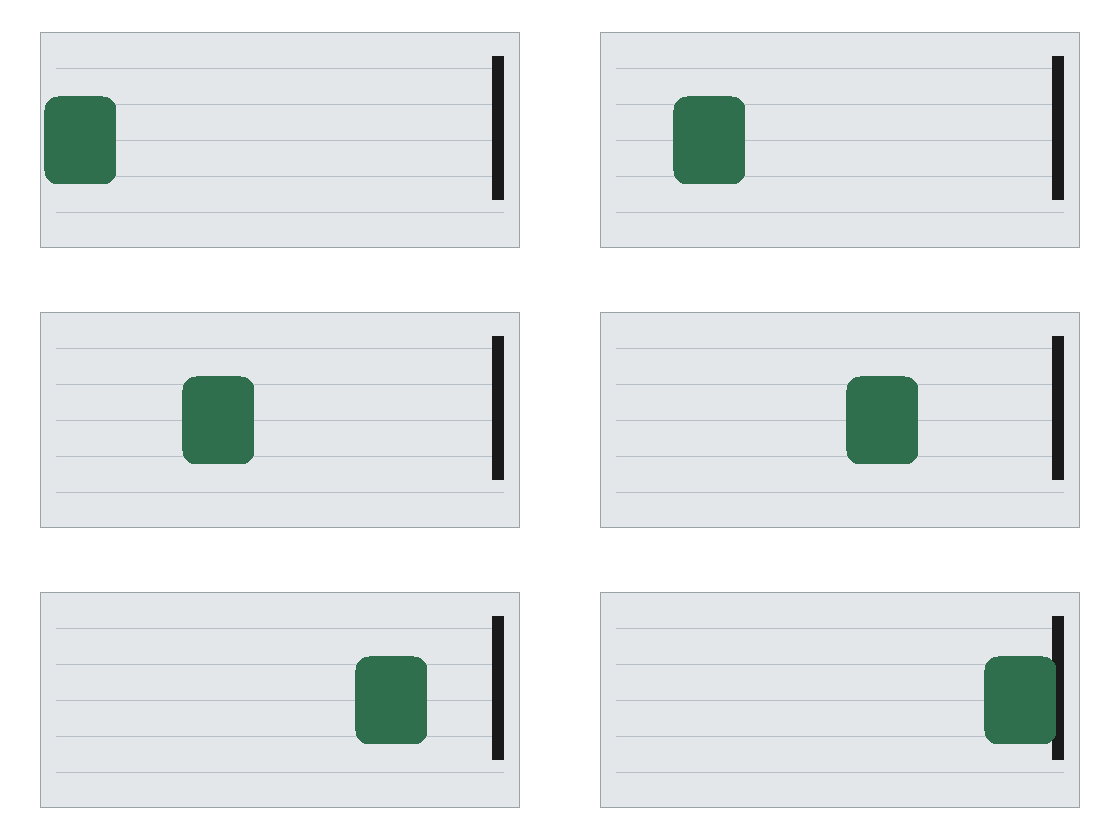
Trim drops that border and nothing inside it
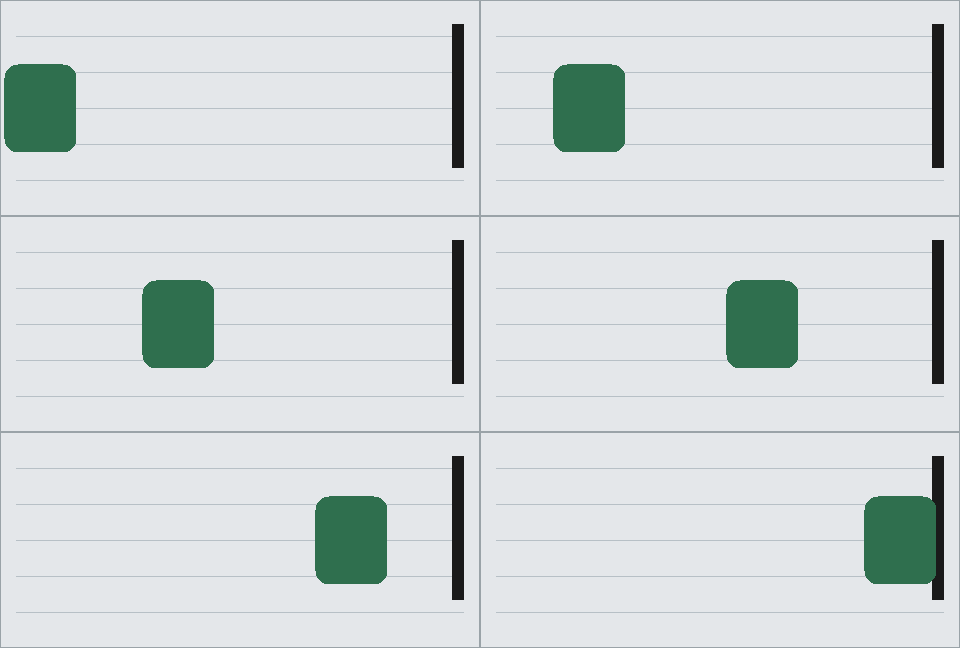
- Source
- 560 × 280
- After Trim
- 480 × 216
- Left and right
- 40 px removed
- Top and bottom
- 32 px removed
480×216, the gray card with the clear border removed. Forty pixels leave the left and the right. Thirty-two leave the top and the bottom. That is what Trim does. The shuttle, the rules, and the black bar keep the pixels they had. Nothing inside the card was scaled, and each frame is still a tenth of a second. Trim does not ask you to draw the window. It only drops the edge that is clear on every frame. A window you drag can still cover that clear edge, because the edge belongs to the file until Trim runs.
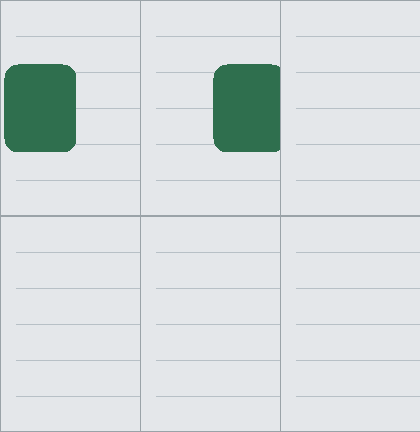
Three cuts share the left edge and lose height
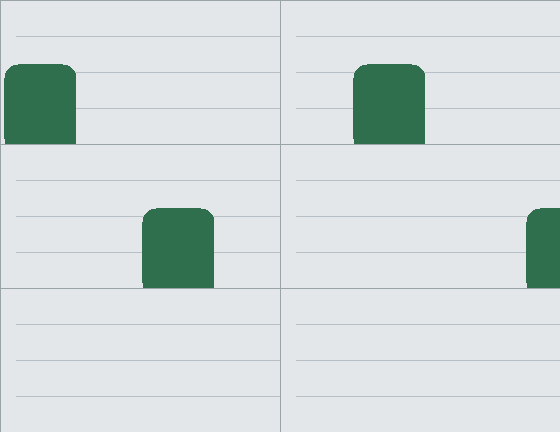

The window stops at the picture
200×160, from x=320 and y=88. The right edge is x=520 and the bottom is y=248: the right and bottom of the card, not of the 560×280 file. The clear border outside the card is not in this crop. On this tool the frame cannot leave the picture, so the window cannot be dragged into space the GIF does not already contain. The black bar is inside this corner. The shuttle reaches the bar only near the end of the loop.
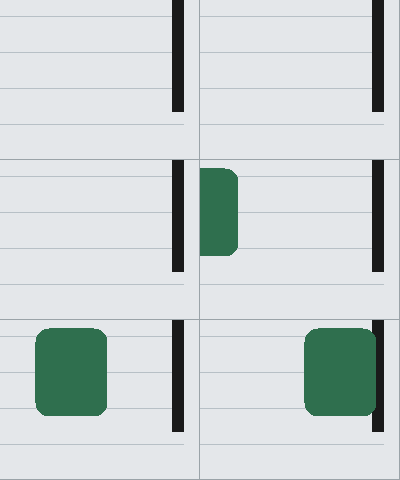
A square cut from the middle of the track
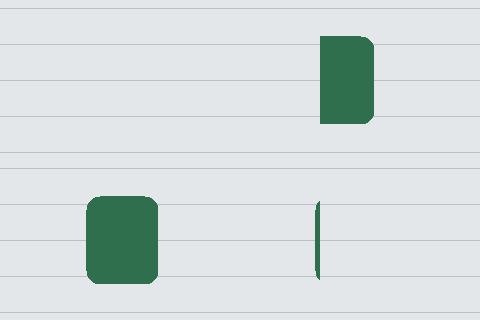
One short band clips the shuttle on every frame

The fixed bar meets the shuttle only at the end
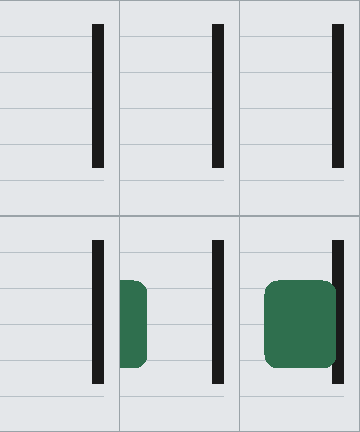
120×216, from x=400 and y=32. The right edge is the right edge of the card, and the height is the full card, so the black bar is in the strip on every frame. The shuttle is still on the left at the start. It enters this strip only in the last frames. The clear border to the right of the card is outside the strip. This crop keeps the bar and waits for the shuttle.
Save the GIF you already opened
01
Open a GIF
Drop it, pick a file, paste from the clipboard, or load a public link. Other image types are turned away. A GIF from this device stays on this device.
02
Place one rectangle
Drag the frame or type a width and height. That one rectangle is applied to every frame. It cannot cross the edge of the GIF. The width and height you set are the pixels you save.
03
Download or apply
Download runs in this browser and saves one GIF. The file name ends in -cropped. Apply leaves the result on the page when you want a second cut. Frame order and the original delays stay with the file.
Questions about cropping an animated GIF
- Will the animation still play?
- Yes. Every frame receives the same rectangle, in the same order, with the delays the file already had. You download one GIF, not a stack of stills.
- Do I have to crop each frame myself?
- No. The window is one rectangle. GIF Cropper cuts every frame to it. You do not export the frames and line them up again.
- What is the difference between Trim and the rectangle?
- Trim removes a border that is clear on every frame. The rectangle is the window you place, and it can include that clear border or cut into the picture. Trim does not scale the frames.
- How is this different from resizing?
- GIF Resizer can leave a margin around the picture or resample the window into new pixels. GIF Cropper only cuts. A file you open from this device is cropped here.