 GIF Crate
Reverse Animated GIF
Reverse an animated GIF in this browser. The frames play backwards, and the width and height stay the same.
Preview
Upload GIF
Tap or click to choose a GIF, or upload from a URL. You can also drop a file or paste.
Controls
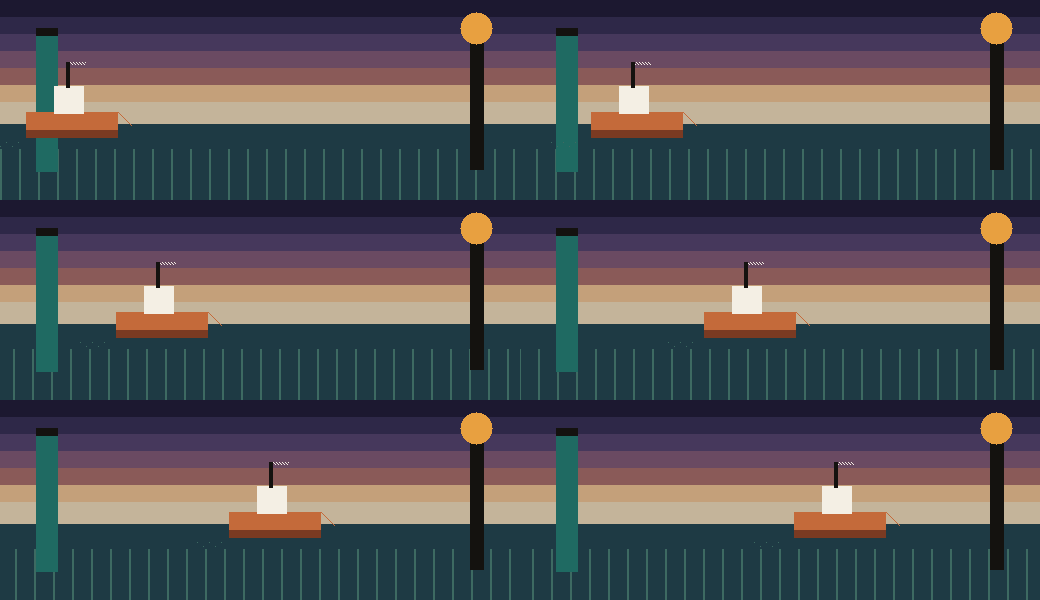
A clay barge leaves the teal piling
The wide loop is the GIF this page starts from. A clay barge crosses dusk water, from a teal piling on the left toward an amber lamp on the right. A cream cabin rides the hull. The picture is 520 by 200, twelve frames, and nothing in it is lettering. The frame at the piling waits 18 hundredths of a second. Each of the six frames in the middle of the crossing waits 6. The two frames beside each hold wait 8. This file is 26,749 bytes. In the tool, Backwards builds a preview of the return. Apply is the step that writes that order into the GIF.
The same barge comes back, and the file grows
Backwards plays those twelve frames from the lamp toward the piling. The width and the height stay 520 by 200. The long wait stays on the frame it belonged to, so the 18-hundredths hold is now the first frame, while the barge sits by the lamp. This file is 43,880 bytes. The opened loop was 26,749 bytes. Each frame was stored again as the full picture, in the new order, which is why the file grew. The hull, the cabin, and the lamp are the pixels from the opened loop.
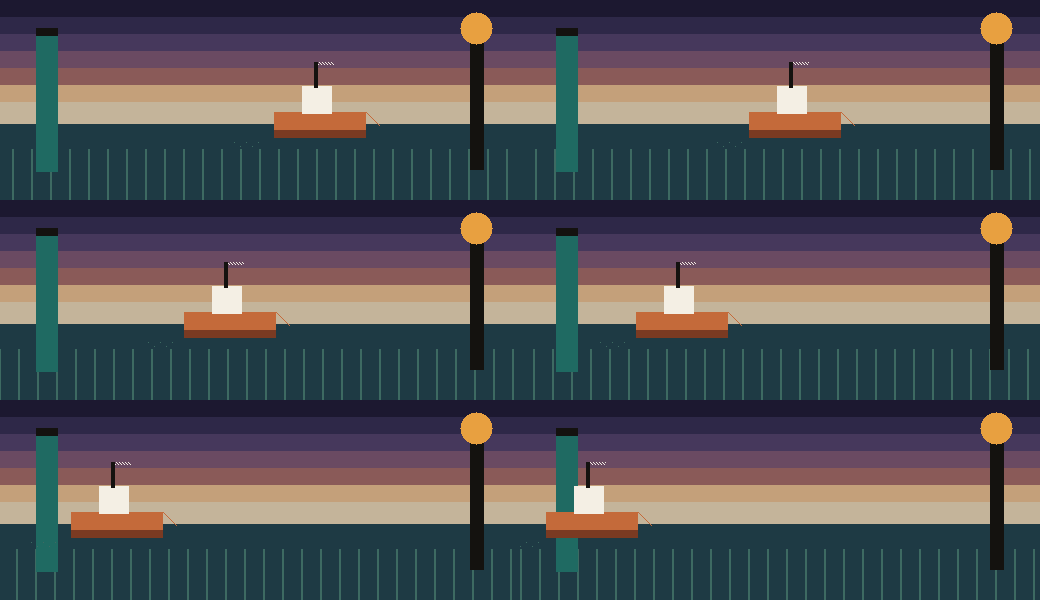
Reverse it again and the trip runs outward
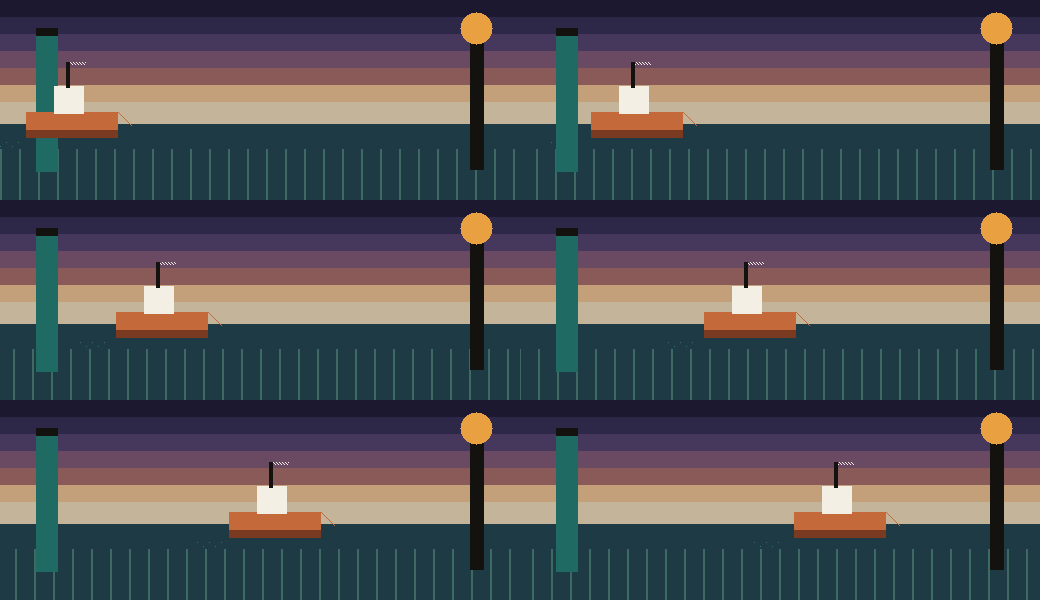
On the way back, the lamp passes before the piling
GIF Speed Changer keeps this order and changes how long each frame waits. GIF Rotator turns the picture. GIF Compressor makes the file smaller after the return is written.
How to reverse an animated GIF
How do I reverse an animated GIF?
Choose Backwards, then Apply. The frames play from last to first, and the GIF stays in this browser. On this loop the picture stays 520 by 200 and twelve frames. The frame that waited 18 hundredths of a second still waits 18. It plays at the other end of the trip. Forwards shows the GIF you have open and leaves Apply off.
Why is the backwards file larger than the one you opened?
The opened file on this page is 26,749 bytes. After each frame is stored as the picture you saw and the order runs from the lamp back to the piling, the file is 43,880 bytes. A GIF that already saved only the changed part of each frame has to keep a whole picture before that picture can play in reverse. The barge is the same barge.
Does reversing twice give the original file back?
The pictures line up with the opened trip again. The byte count does not. The second reverse on this page is also 43,880 bytes. Apply writes the order you are previewing into the GIF you have open, then returns the control to Forwards. Doing that on the return, then choosing Backwards and applying once more, plays the barge outward again. Reset drops a preview and does not write a file.
How is this different from a turn, a speed change, or a smaller file?
To reverse an animated GIF, this page changes the order. GIF Rotator turns the picture, and a quarter turn swaps the width and the height. GIF Speed Changer keeps the order and changes how long each frame waits. GIF Compressor leaves the order alone and makes the file smaller. A download from this page ends in -reversed, and the GIF stays in the browser.
Related tools
- GIF Maker
Turn PNG, JPEG, or WebP pictures into one GIF in this browser.
- GIF Resizer
Crop or pad every frame with a window in this browser.
- GIF Cropper
Cut one rectangle out of every frame in this browser.
- GIF Compressor
Make the file smaller in this browser. The picture stays the same size.
- GIF Rotator
Turn or flip every frame in this browser.
- GIF Speed Changer
Play every frame faster or slower in this browser.
GIF Reverser
Play the loop backwards in this browser.
- GIF Background Remover
Clear one background color in this browser.