GIF Crate

GIF Rotator

Turn or flip every frame. The file stays on your device.

Preview

Controls

Turn

Pick one turn. Apply writes it into the GIF. Download saves a copy.

The arrow points right until you turn the file
An ochre arrow pointing right from a charcoal post, with a white bead walking the shaft
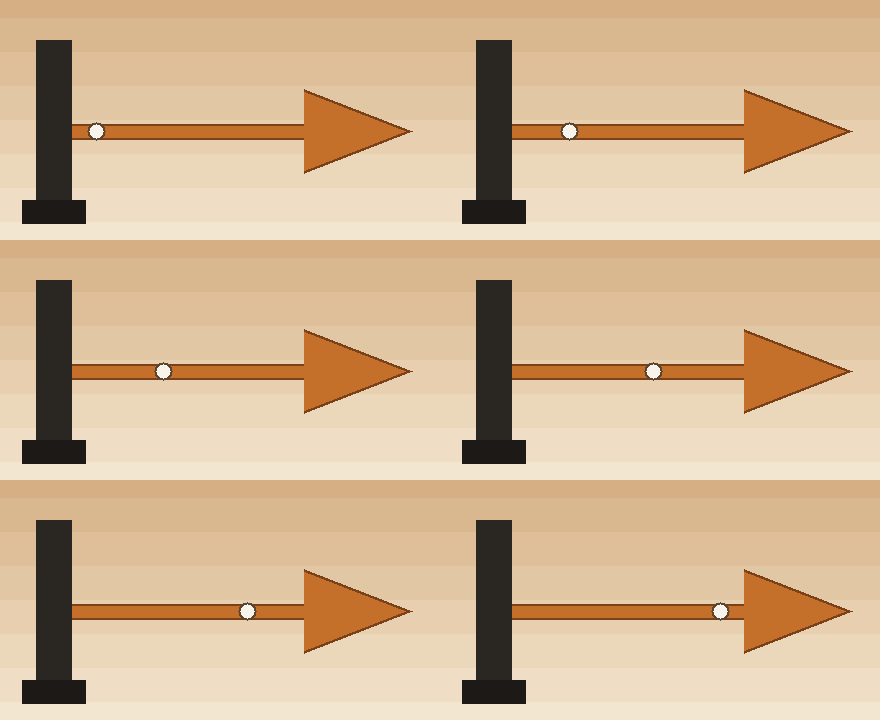
The loop above is the GIF this page starts from. A charcoal post stands on the left, a cap sits on top of that post, and an ochre arrow points right across warm paper. The picture is 440 by 240, twelve frames, each held for a tenth of a second. A white bead walks the shaft, so each frame moves. Nothing on the picture is lettering. This file is 30,231 bytes. In the tool, choose one turn and the preview follows it. Apply is the step that writes the turn into the GIF.

Half a turn leaves the size and reverses the arrow
The same arrow after half a turn, pointing left, with the cap now under the post
Half a turn leaves the picture at 440 by 240. The cap that sat on top of the post is now under it, and the arrow points left. The bead still walks, across the same twelve frames, each a tenth of a second. This file is 29,978 bytes. The width and the height stay with the file. What changes is the direction the arrow faces.

A quarter turn swaps 440 and 240

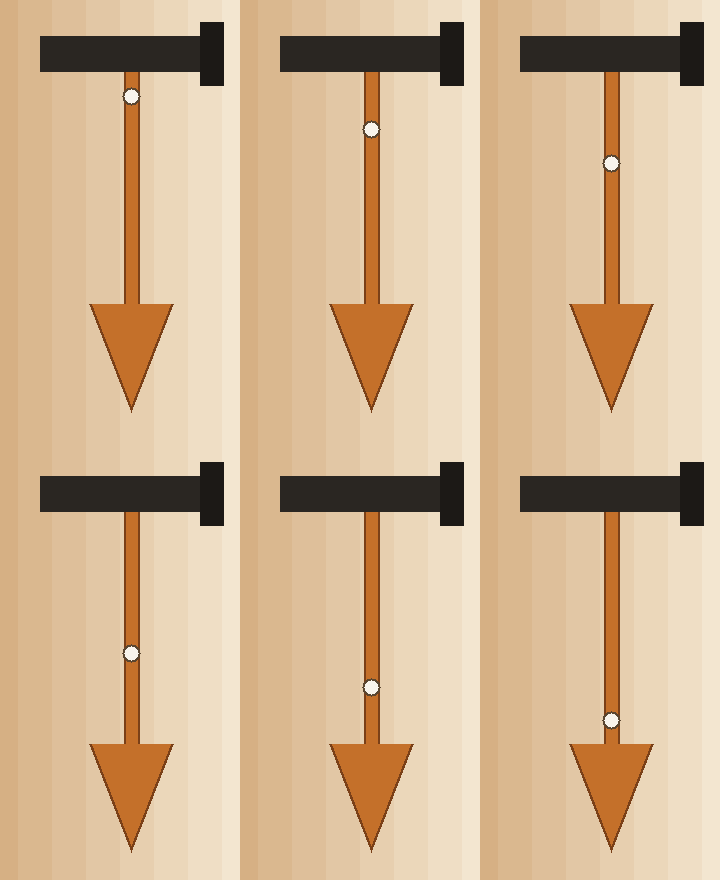
The arrow after a clockwise quarter turn, pointing down from a post that lies across the top

A quarter turn clockwise stands this GIF up. The file is now 240 by 440. The post that sat on the left lies across the top, and the arrow points down. All twelve frames remain, still a tenth of a second each, and the bead still walks the shaft. This file is 70,741 bytes. Apply writes that turn into every frame, and the size on the page follows the new picture. The narrower file under this note is the quarter turn the other way.
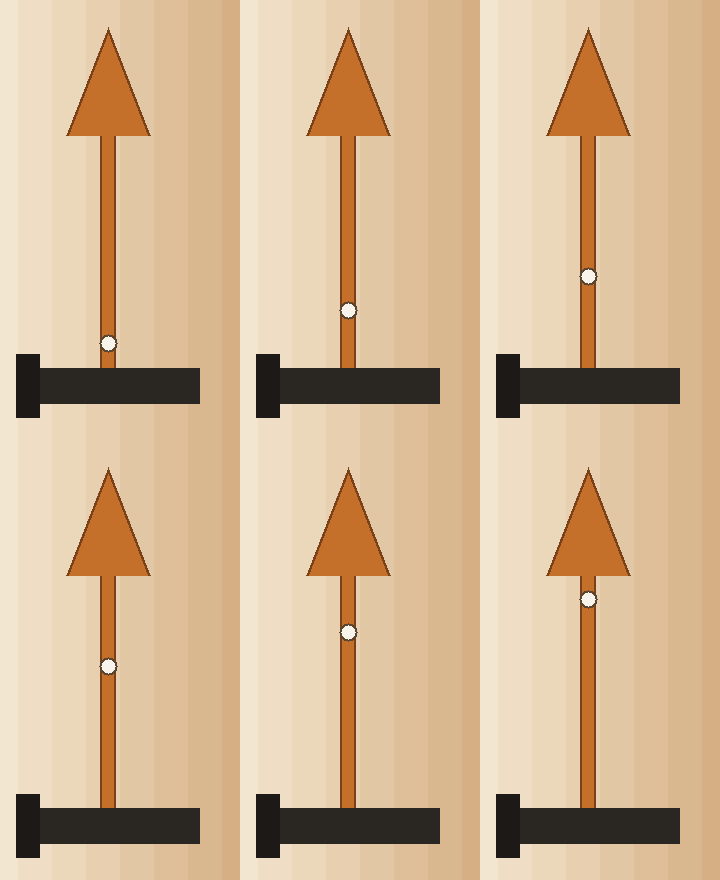
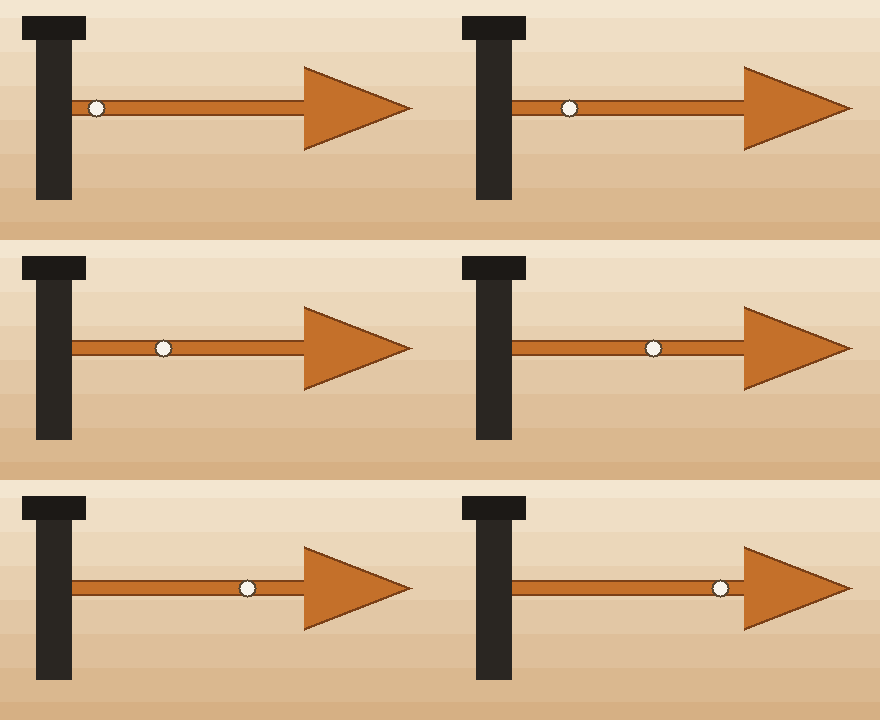
The arrow after a counter-clockwise quarter turn, pointing up from a post along the bottom
A quarter turn the other way is also 240 by 440. The post lies along the bottom and the arrow points up. This file is 69,746 bytes. The pixels are the post, the arrow, and the bead from the first loop, stored in the new rows.

A flip keeps the size and swaps one axis
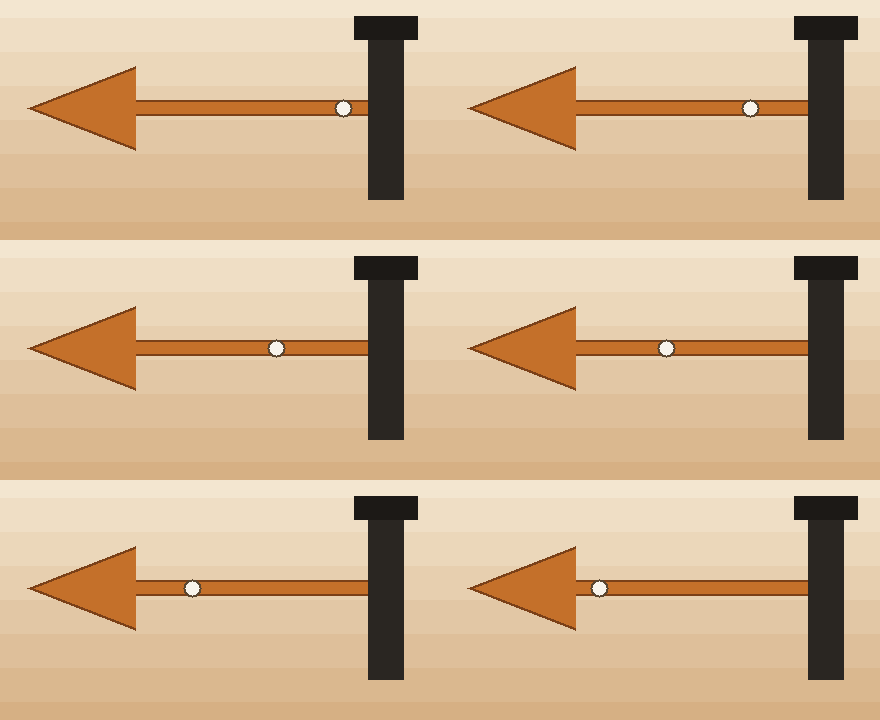
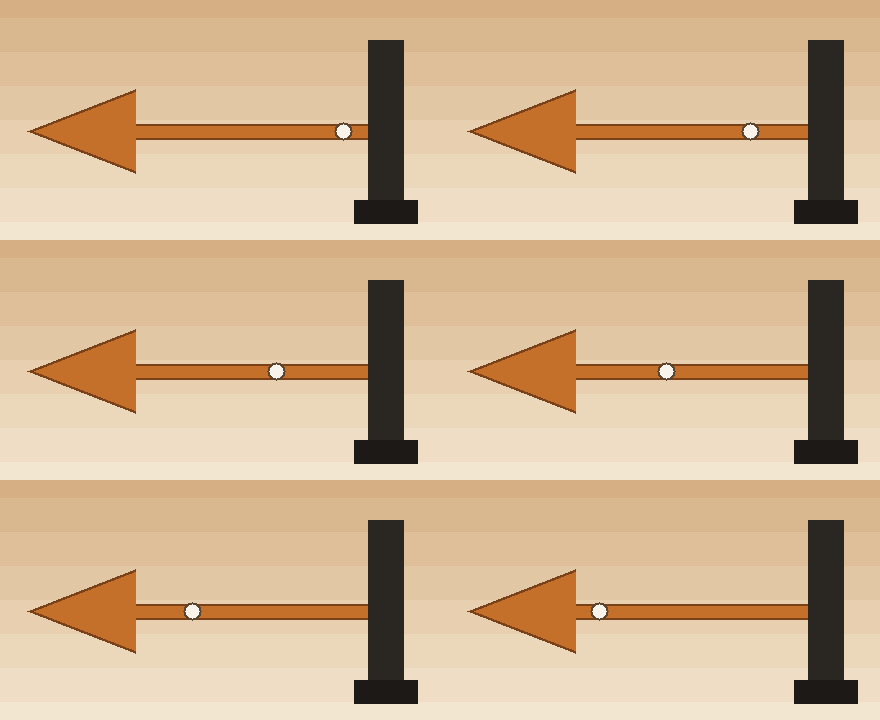
The arrow flipped left to right, pointing left, with the post and its cap on the right
A horizontal flip keeps the picture at 440 by 240. The post moves to the right, the cap stays on top of it, and the arrow points left. The bead walks the shaft in the other direction. This file is 30,036 bytes. Download saves a copy whose name ends in -rotated and leaves the GIF on the page as it was, choice included. The file below is the other flip.
The arrow flipped top to bottom, still pointing right, with the cap now under the post
A vertical flip also keeps 440 by 240. The arrow still points right. The cap that was on top of the post is now underneath it, and the bead still walks that shaft. This file is 30,253 bytes. A flip exchanges one axis and leaves the width and the height where they were.

The tip is the same pixels, turned

The tip of the ochre arrow, drawn larger, pointing right
The tip of the arrow, from the first loop, drawn larger by the page. The point aims right. This corner is the same GIF as the picture at the top of the page.
The same arrow tip after a clockwise quarter turn, drawn larger, pointing down
That same tip after the clockwise quarter turn, drawn larger. The point aims down, and the window is a different crop of the tall file. The pixels are the ones that aimed right in the first loop.

Questions about turning an animated GIF

Does a turn change the pixel size?

A quarter turn swaps the width and the height. On this loop, 440 by 240 becomes 240 by 440, whether you turn clockwise or the other way. Half a turn leaves the picture at 440 by 240, and so does either flip. Twelve frames stay twelve frames, each a tenth of a second.

Does the preview match the file I download?

The preview turns on the page as soon as you choose a direction. Apply writes that turn into the GIF you have open, then clears the choice. Download saves a separate copy and leaves the open GIF, and the choice, as they were. Reset clears a choice without writing a new file.

Why do the byte counts differ when the picture is only turned?

Each file on this page is the same twelve frames of the post, the arrow, and the bead. The opened loop is 30,231 bytes. After a clockwise quarter turn the file is 70,741 bytes, because those frames are stored again as the new rows. The picture is still that arrow.

How is this different from resizing, cropping, or compressing?

GIF Resizer places a window that can crop or pad. GIF Cropper cuts one rectangle out of the picture. GIF Compressor leaves the pixel size alone and uses a file size slider. A download from this tool ends in -rotated, and the GIF stays in the browser.