 GIF Crate
GIF Speed Changer
Play it faster or slower. The picture stays the same size, and the file stays on your device.
Preview
Upload GIF
Tap or click to choose a GIF, or upload from a URL. You can also drop a file or paste.
Controls
The swing waits at each end
One pendulum, played from the file this page opens. The post, the arm, and the bob stay the same size in every GIF below. What changes is how long each frame stays up.
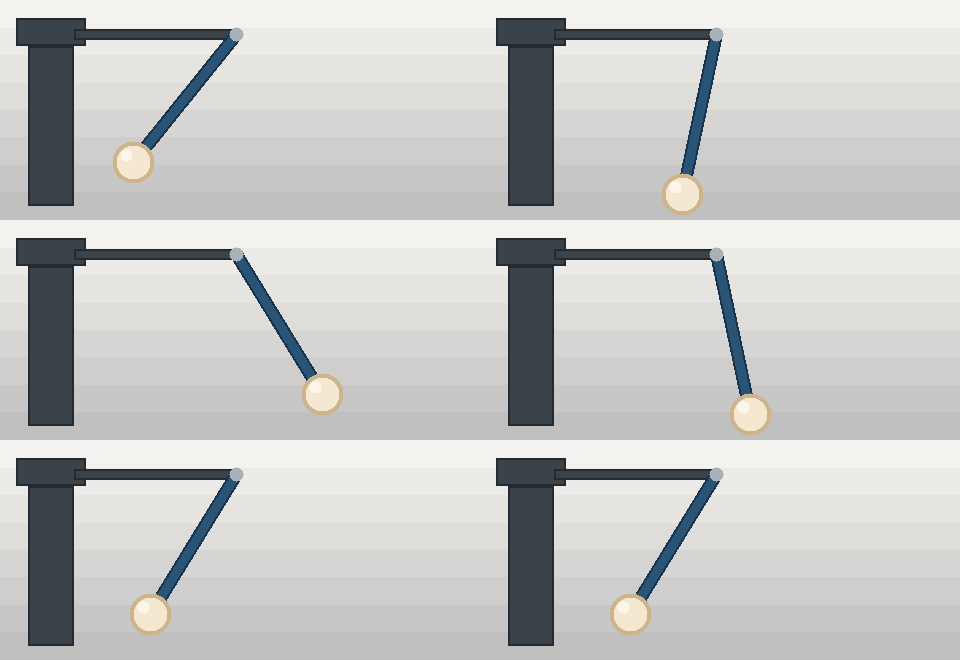
One and a half times, pauses included
A small step up from the GIF above. The twelve pictures match. The waits are shorter, and the long ones are still the turns.
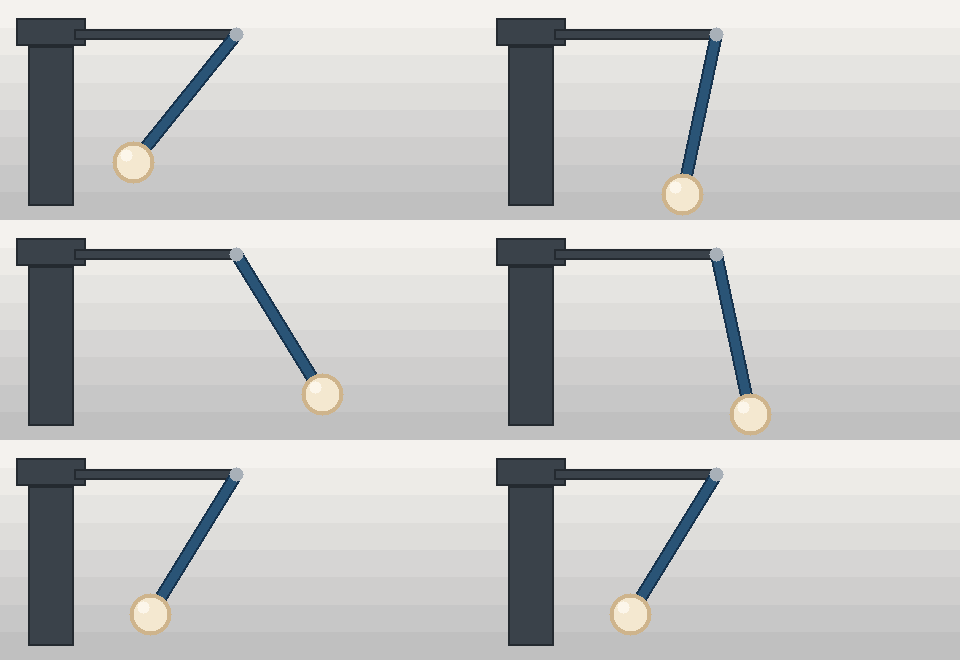
Same frames, four other speeds
From the wide file to the narrow one: half speed, double speed, four times, and a tenth. The pictures match. The row gets narrower. Each caption belongs to that file.
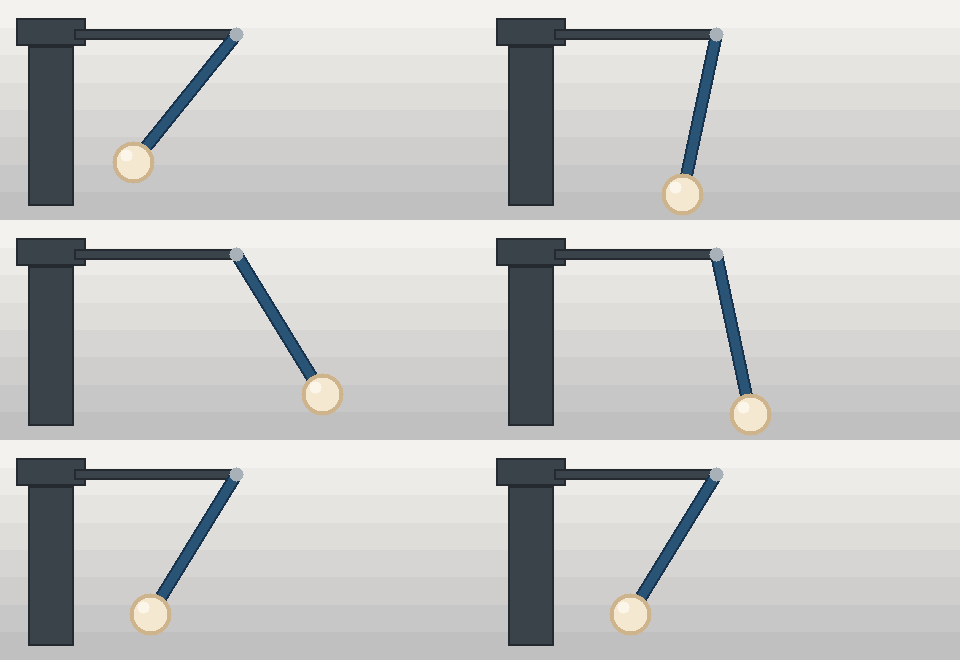
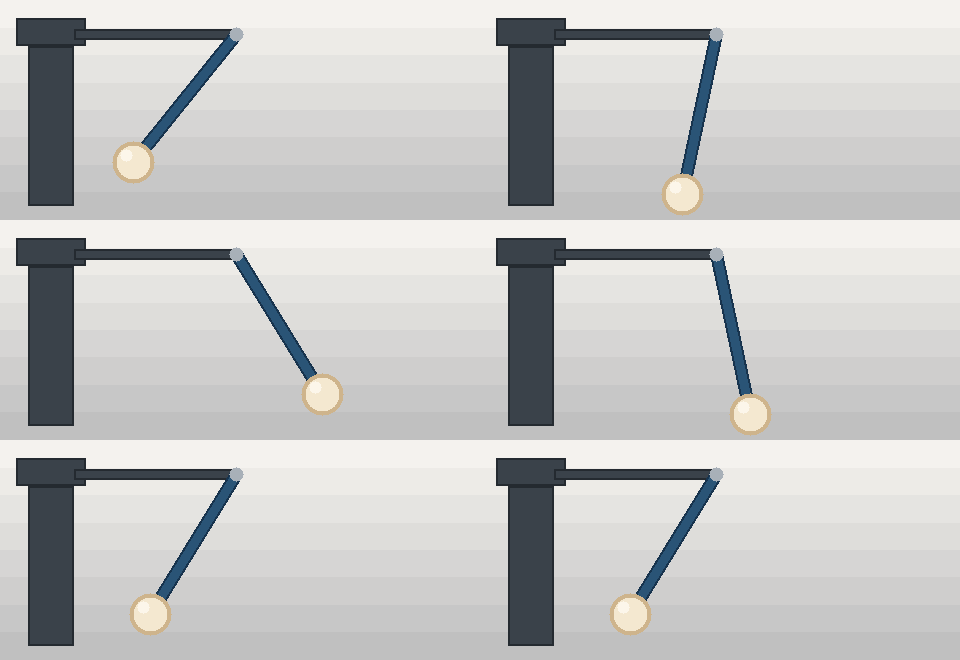
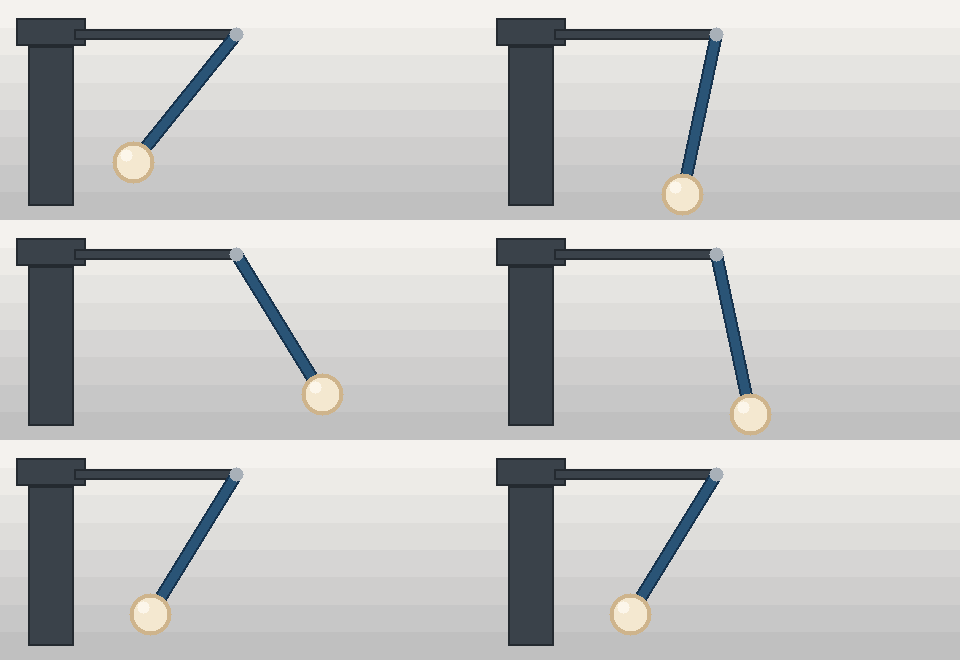
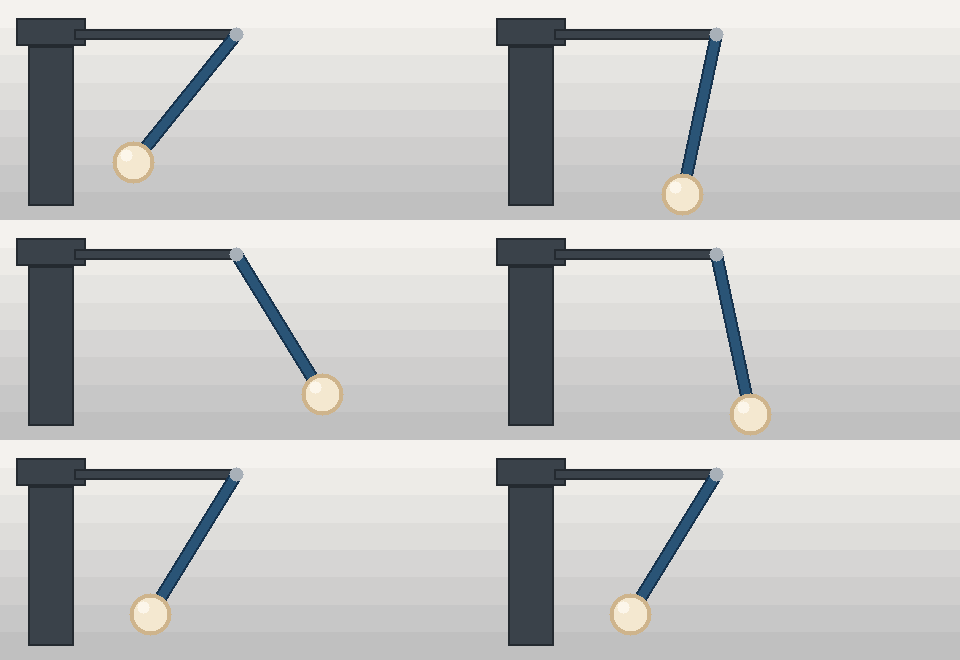
The bob, larger, from the open GIF
The page draws one piece of the first loop larger. The window sits on the right-hand turn, so the ball swings into it and holds. The rest of that GIF is the same file you already saw.
The cream bob from the first loop, drawn larger by the page. It swings into this window at the right-hand turn and holds there before traveling back. These are the same pixels as the wide GIF, 480 by 220, 34,690 bytes. The page is only showing a piece of that file.
The wait on each of the twelve frames
| Frame | 1× | 0.5× | 1.5× | 2× | 4× | 0.1× |
|---|---|---|---|---|---|---|
| 1 | 24 | 48 | 16 | 12 | 6 | 240 |
| 2 | 8 | 16 | 5 | 4 | 2 | 80 |
| 3 | 6 | 12 | 4 | 3 | 2 | 60 |
| 4 | 6 | 12 | 4 | 3 | 2 | 60 |
| 5 | 8 | 16 | 5 | 4 | 2 | 80 |
| 6 | 24 | 48 | 16 | 12 | 6 | 240 |
| 7 | 8 | 16 | 5 | 4 | 2 | 80 |
| 8 | 6 | 12 | 4 | 3 | 2 | 60 |
| 9 | 6 | 12 | 4 | 3 | 2 | 60 |
| 10 | 8 | 16 | 5 | 4 | 2 | 80 |
| 11 | 24 | 48 | 16 | 12 | 6 | 240 |
| 12 | 8 | 16 | 5 | 4 | 2 | 80 |
Each number is how long that frame stays up, in hundredths of a second. The first column is the GIF at the top of the page. The other columns are the files under it. Across a row, the waits scale together. Down a column, frames 1, 6, and 11 are the turns, and they still wait longer than the frames between them.
Playing those frames backward is GIF Reverser. Making the file smaller without touching the waits is GIF Compressor.
Half speed, double, and four times
Three columns from the table above, and where each one belongs. In the open GIF a turn waits 24 hundredths of a second and a short frame in the middle waits 6. These three files keep all twelve frames. Each one is 480 by 220 and 34,690 bytes.
| Speed | On this pendulum | Use it when |
|---|---|---|
| 0.5× | The turn waits 48. The middle waits 12. | A turn goes by too quickly, and that hold should last. |
| 2× | The turn waits 12. The middle waits 3. | The loop feels slow, and each turn should keep waiting longer than the frames between the turns. |
| 4× | The turn waits 6. The middle waits 2. | This is the fastest speed this page will write. The middle waits 2, and this page will not store a shorter wait. |
A margin still sitting in the half-speed picture comes off with GIF Cropper. Four times the speed leaves the file at 34,690 bytes, and GIF Compressor is where that count moves. At double speed the bob still reaches the post before it returns, and GIF Reverser starts from that return. GIF Resizer changes the 480 by 220 once the waits are set.
Questions about GIF speed
Does a faster GIF drop frames?
No. Each GIF on this page has twelve frames, in the same order. The bob still travels out toward the post and back. Only the wait stored on each frame changes. A slower speed makes those waits longer. Width and height stay 480 by 220.
Do the frames keep their pace against each other?
Yes. A frame that waited longer in the first GIF still waits longer after the speed changes. In the table, the turns on frames 1, 6, and 11 stay above the frames in the middle, at half speed, at one and a half, at double speed, at four times, and at a tenth.
Why do some frames stop getting faster?
At four times the speed, the short waits become 2 hundredths of a second and stay there. The turns on that same file wait 6. This page will not store a shorter wait than 2. Slowing the GIF does the opposite. At a tenth of the speed every wait grows, and the longest of them is 240.
Does the file leave this browser?
No. The GIF stays on your device. Apply writes the speed into the open GIF and sets the slider back to 1×. Download saves a separate copy whose name ends in -speed. GIF Resizer, GIF Cropper, GIF Compressor, and GIF Rotator change the picture or the size of the file. GIF Speed Changer leaves the pixels where they are.
Related tools
- GIF Maker
Turn PNG, JPEG, or WebP pictures into one GIF in this browser.
- GIF Resizer
Crop or pad every frame with a window in this browser.
- GIF Cropper
Cut one rectangle out of every frame in this browser.
- GIF Compressor
Make the file smaller in this browser. The picture stays the same size.
- GIF Rotator
Turn or flip every frame in this browser.
GIF Speed Changer
Play every frame faster or slower in this browser.
- GIF Reverser
Play the loop backwards in this browser.
- GIF Background Remover
Clear one background color in this browser.