 GIF Crate
GIF Maker
Turn the photos on your phone into one GIF. PNG, JPEG, and WebP pictures become the frames, and those images stay on your device.
Preview
Add photos
PNG, JPEG, or WebP. One photo is one frame. An animated GIF keeps its first frame.
Controls
How to make a GIF from photos
1. Add the photos
Add PNG, JPEG, or WebP photos. Each file becomes one frame. A GIF keeps only its first frame.
2. Set a delay
New photos wait 0.20 seconds. Give one photo a longer wait, or set every frame to the same wait.
3. Place each photo
Pick one of nine places. The canvas matches the widest and tallest photo. Spare space stays transparent.
4. Download the GIF
Apply writes the preview. Download saves a copy on your device.
How to add more photos to a GIF
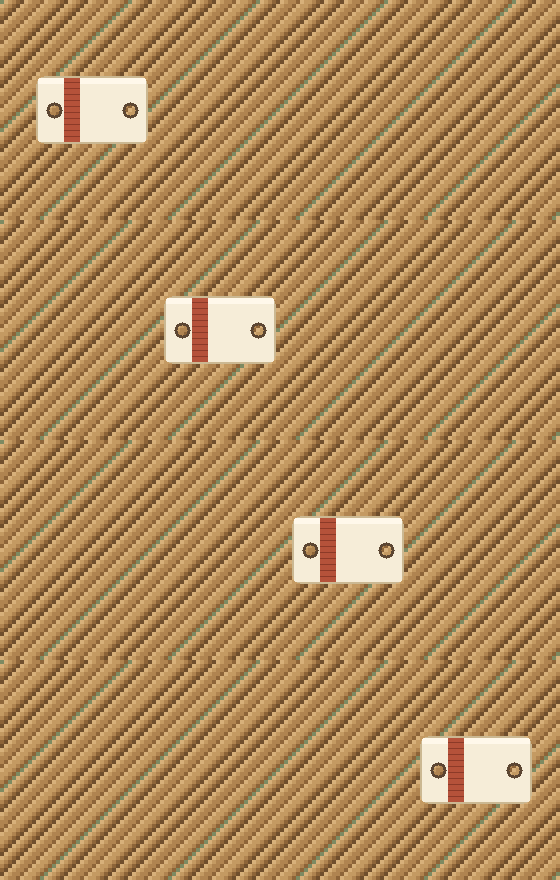
Add another photo and it becomes the next frame. The wide loop is the GIF this page starts from. A cream ticket crosses a cork board in four equal stops, from the left side toward the right. Two round holes are punched through the ticket, and a rust band sits near the left hole. Nothing in the picture is lettering. The picture is 560 by 220. Each of the four frames waits 20 hundredths of a second, which is 0.20 seconds, the wait GIF Maker uses when you first add pictures. This file is 28,867 bytes. The pins and the thread across the middle are drawn by the page. They are not pixels in the file.
Set a different delay for each photo
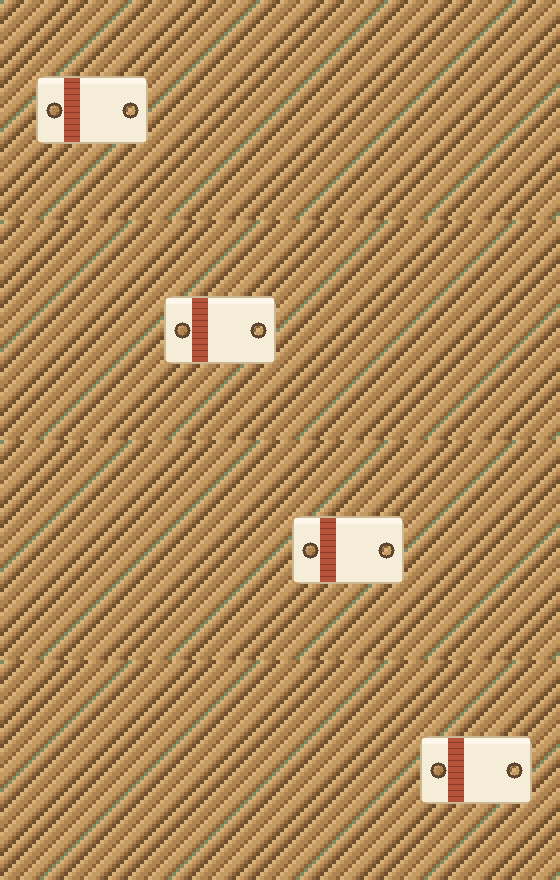
Each photo can keep its own delay. The same four stops, and the same 560 by 220 picture. The third frame now waits 80 hundredths of a second. The other three still wait 20. This file is 28,867 bytes, the same count as the walking loop, because the pixels did not change. In the tool, each picture can keep its own wait. The Wait slider, when you let it go, writes that one wait onto every frame. A wait shorter than 2 hundredths of a second is not used. Browsers treat 0 and 1 as about a tenth of a second, so the floor stays at 2.
Fade from one photo into the next
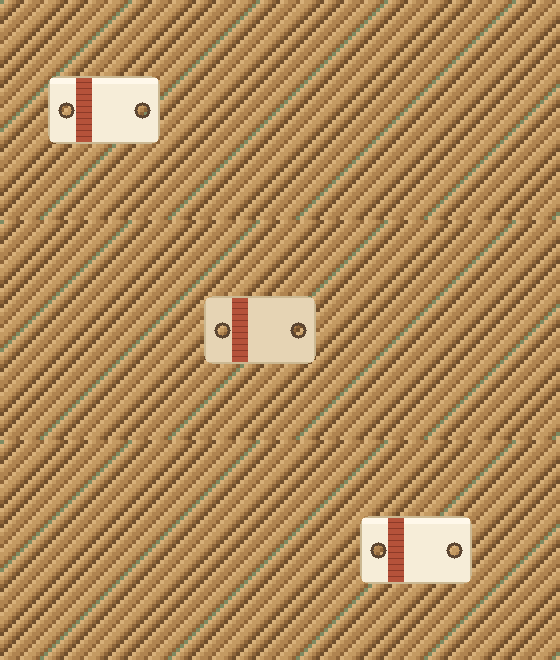
Fade inserts frames between one photo and the next. Three frames, still 560 by 220. The ticket is solid on the left, lighter in the middle, and solid on the right. Each frame waits 20 hundredths of a second. This file is 21,565 bytes. Fade on GIF Maker inserts that kind of in-between frame. The default is 0, so nothing is inserted until you raise it. The range is 0 to 8. Each inserted frame waits as long as the picture it is leaving. The fade does not wrap from the last picture back to the first.
Keep a photo's background transparent
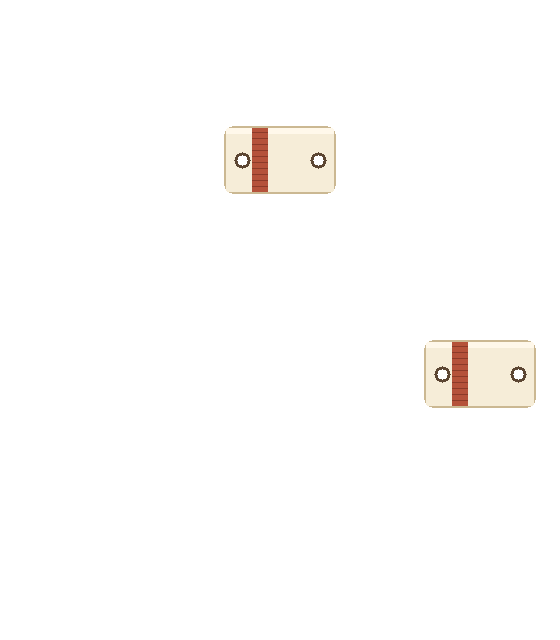
A PNG can keep a clear background. The ticket starts in the middle of a clear canvas, then sits in the northeast. The first frame waits 20 hundredths of a second. The northeast frame waits 40. The picture is 560 by 320, taller than the walk, and the cells the ticket leaves are transparent. This file is 2,866 bytes. GIF Maker builds the canvas from the widest picture and the tallest picture. One of nine places is used for every picture in that GIF: northwest, north, northeast, west, center, east, southwest, south, or southeast. Spare pixels stay transparent. The checker behind this loop is drawn by the page.
Put photos in order to make a GIF
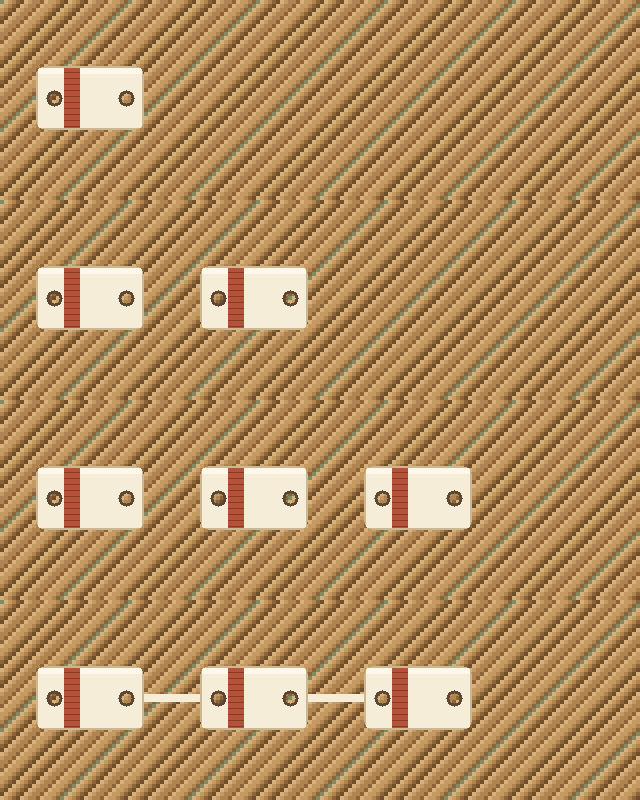
Photos play in the order you add them. Four frames on a 640 by 200 board. The first shows one stub. The second adds another. The third has three. The fourth draws a cream bar between them. Each frame waits 20 hundredths of a second. This file is 31,117 bytes. The bar belongs to this sample. GIF Maker joins the pictures by placing them, in the order you added them, on the shared canvas. A GIF you drop in contributes its first frame. PNG, JPEG, and WebP contribute the whole still.
Place each photo on the canvas
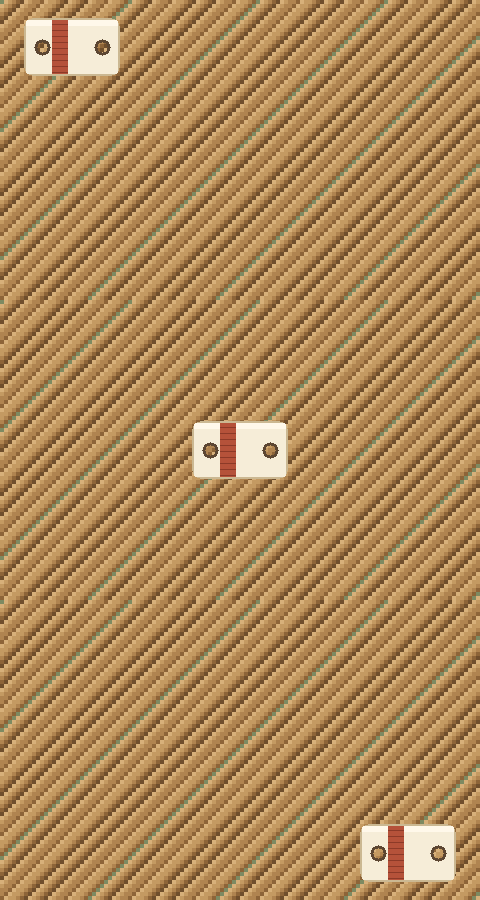
Every photo in one GIF shares one place on the canvas. Three frames on a 480 by 300 board. The ticket stops at the northwest, the center, and the southeast. Each frame waits 24 hundredths of a second. This file is 24,455 bytes. Those are three of the nine places. The control picks one place for the whole GIF. A single download parks every picture in that same place. The three stops in this file are the sample walking the board, so the corners are easy to compare.
How large should each photo be
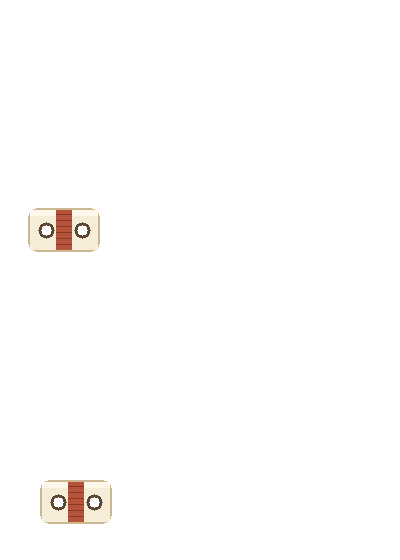
A smaller photo sits inside the larger canvas. A smaller ticket sits in the southwest of a 400 by 280 canvas. The second frame shifts it a few pixels, and the rest of the canvas stays clear. Both frames wait 20 hundredths of a second. This file is 2,025 bytes. When one still is smaller than another, the canvas grows to the larger edges and the unused part stays transparent. A picture edge over 4,096 pixels is refused, and so is a file over 20 megabytes. Sixty pictures is the maximum.
How dither changes a photo GIF
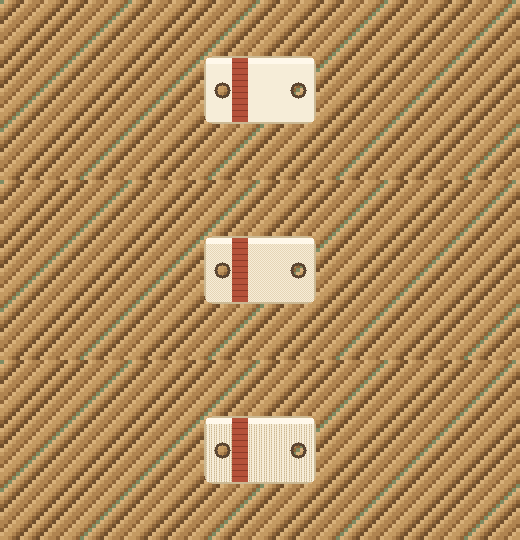
Dither changes how a photo's colors land in the GIF. One ticket, centered, on a 520 by 180 board. The first frame is flat cream. The second breaks the cream into a checker. The third speckles it without a regular grid. Each frame waits 40 hundredths of a second. This file is 16,468 bytes. GIF Maker offers None, Bayer, and Floyd for the whole file. None is the default, and on a flat ticket it stays the nearest flat color. This sample puts the three looks in one loop so the difference can be seen. A download uses only the one you picked.
Look closely at one photo in the GIF
PNG, JPG, and WebP photos
A PNG can keep a clear background. A pixel whose alpha is below 128 becomes the transparent color in the GIF.
A JPG, also called a JPEG, has no transparency. The photo stays opaque. Start from a PNG when the background should disappear.
A still WebP is read the same way as a PNG, including its alpha. An animated GIF dropped here keeps its first frame and leaves the rest behind.
Each photo must be 20 MB or smaller, and no edge may pass 4,096 pixels. Sixty photos is the limit.
If the file is too big, open GIF Compressor. GIF Speed Changer changes how long the frames you just made will wait. A flat field behind the subject can leave on GIF Background Remover.
Questions about making a GIF from photos
How many photos do you need to make a GIF?
One photo writes a one-frame GIF. Two or more play in the order you added them. Sixty photos is the maximum. Apply writes the preview you have open, and the files stay in the browser.
How large should each photo be?
Each edge must be 4,096 pixels or smaller, and each file must be 20 MB or smaller. The canvas grows to the widest photo and the tallest photo. A smaller photo sits in the place you pick, and the spare area stays transparent.
How big will the GIF file be?
The samples on this page run from 2,025 bytes to 31,117 bytes. Your file follows the photos, the waits, and any fade frames. If the GIF file is too big, GIF Compressor makes those frames smaller.
Can a PNG and a JPEG become one GIF?
Yes. PNG, JPEG, WebP, and the first frame of a GIF are read as pictures and written into one GIF. A PNG pixel whose alpha is below 128 becomes the transparent index. A JPEG has no alpha, so it stays opaque. An animated GIF keeps its first frame and leaves the rest behind. The files stay in the browser. Apply writes the preview you have open.
Can one frame wait longer than the others?
Yes. Each picture keeps its own wait. On this page the walking loop uses 20 hundredths on every frame, and the hold loop changes only the third frame to 80 hundredths. Both files are 560 by 220 and both are 28,867 bytes. The Wait slider sets every frame to the same wait when you release it. The shortest wait is 2 hundredths of a second. New pictures start at 0.20 seconds, which is 5 frames a second.
Where does a smaller picture sit, and what stays transparent?
The canvas is as wide as the widest picture and as tall as the tallest. You pick one of nine places, and that place is used for every picture. The clear loop is 560 by 320 and parks the ticket in the northeast after a center hold. The spare loop is 400 by 280 and leaves the area around the small ticket transparent. The checker you see behind those two files is drawn by the page.
How is this different from a speed change or a background removal?
GIF Speed Changer starts from a GIF you already have and changes how long each existing frame waits. GIF Background Remover starts from a GIF and turns one color transparent. GIF Maker starts from still pictures and writes a new GIF. The download stays on your device.
What does fade add?
At 0, the default, the frames are only the pictures you added. Raising it inserts up to eight blended frames between neighbors. Those extra frames use the wait of the picture they leave. They do not run from the last picture back around to the first. The lighter middle frame in the 21,565-byte loop is one step of that idea, on a 560 by 220 board.
Does the GIF have to loop forever?
The samples on this page repeat. In the tool the default is forever. You can play the GIF once, or a counted number of times. Changing the loop rewrites that setting on the file you have open. It leaves the pixels as they were.
Related tools
GIF Maker
Turn PNG, JPEG, or WebP pictures into one GIF in this browser.
- GIF Resizer
Crop or pad every frame with a window in this browser.
- GIF Cropper
Cut one rectangle out of every frame in this browser.
- GIF Compressor
Make the file smaller in this browser. The picture stays the same size.
- GIF Rotator
Turn or flip every frame in this browser.
- GIF Speed Changer
Play every frame faster or slower in this browser.
- GIF Reverser
Play the loop backwards in this browser.
- GIF Background Remover
Clear one background color in this browser.