 GIF Crate
What Is a GIF? How It Works, Why It Loops & When to Use One
GIF Crate
A GIF is a short, looping image file. Learn how the format works, why GIFs loop, when to use one, and when another format is a better fit.
A GIF is a short picture file that can move, and then play again from the first frame. The name is Graphics Interchange Format. CompuServe released it in 1987, and the files people still trade are almost always GIF89a, the 1989 revision. Open one and the first six bytes spell GIF89a. The motion is a stack of frames, and the repeat is a note in the file that sends the player back to the start. It is not a video container, and it is not a JPEG that moves.
The hourglass below is one of those files. The sand is not a video track. It is eight full pictures, played in order.
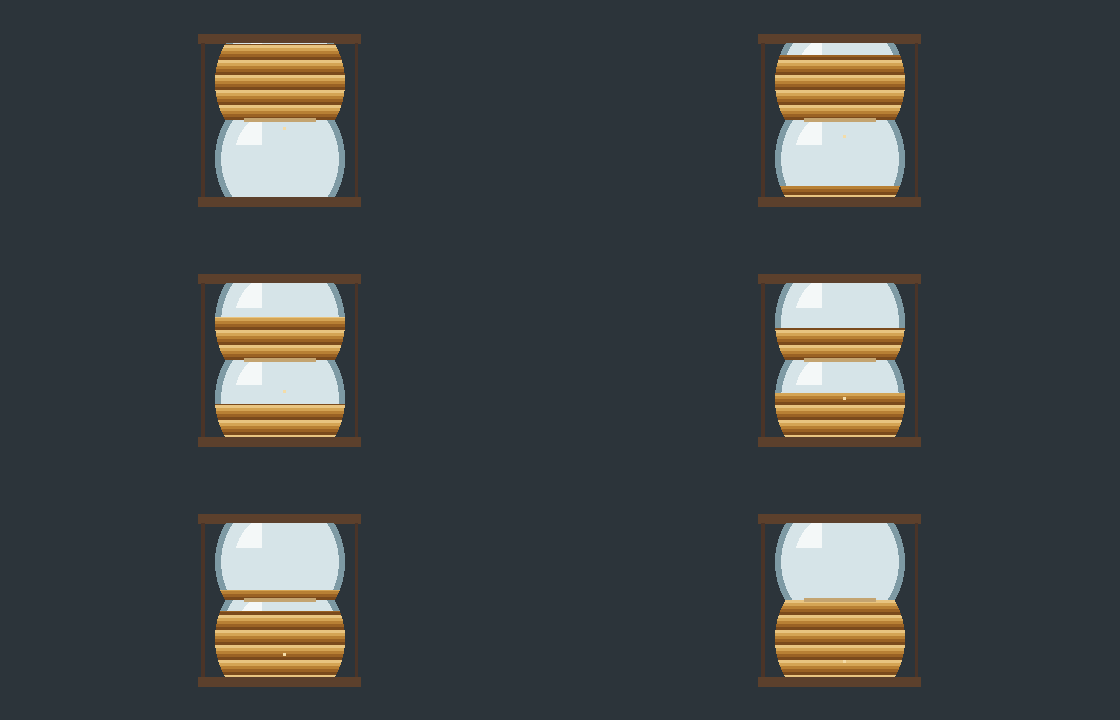
Each frame in that file paints the whole hourglass again. The top bulb starts full. By the last frame the sand has moved into the bottom bulb, and a single grain sits in the neck for that frame only. The next time you see the top bulb full, the player has returned to frame 0 because the loop count said to.
Frames share a 256-color paintbox
A pixel in a GIF stores an index, not its own red, green, and blue. The index points at a palette of at most 256 colors. A file may publish a shorter list, down to two colors for a simple mark, but 256 is the top. Icons, large type, and stickers drawn with a few inks survive that limit and stay sharp. A photograph is full of neighboring shades the table cannot name separately, so a sky or a cheek breaks into bands.
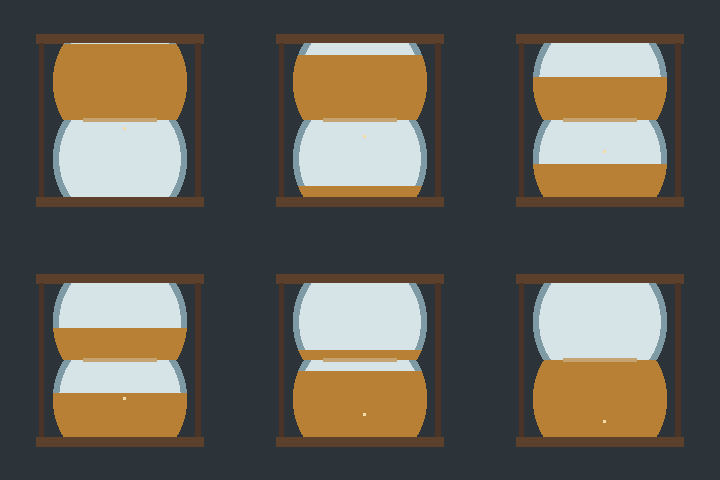
fall.gif spends five neighboring indexes on the sand, in stripes three pixels tall. That is already a small table, and the stripes are the table showing through. The next file keeps the same hourglass and the same eight frames, then throws away every sand index except two.

The wide, short frame makes the stripes easier to count. Nothing in the file stores a gradient. Where fall.gif could step through five sand colors, bands.gif has to reuse two, so the steps get taller. A photograph of the same glass would ask for hundreds of close shades in the highlight alone. Those shades would land on the same two sand indexes, or on whichever indexes were left after the glass and the desk took theirs.
Those frames play in order, and each one stores a wait in hundredths of a second. A wait of 10 holds for a tenth of a second. A wait of 50 holds for half a second. The picture moves because the waits elapse one after another. No part of the file stores speech or music. The pixels are compressed with LZW, which keeps a flat area of one palette color small and grows as soon as nearby pixels need different indexes.
A wait of 100 holds the middle frame
The wait is an integer. There is no half step inside the file. Browsers also treat a stored wait of 0 or 1 as about a tenth of a second, so a frame that should flash by does not. The hourglass that pauses uses 12 for the quick frames and 100 for the held one. Both numbers are at least 2.
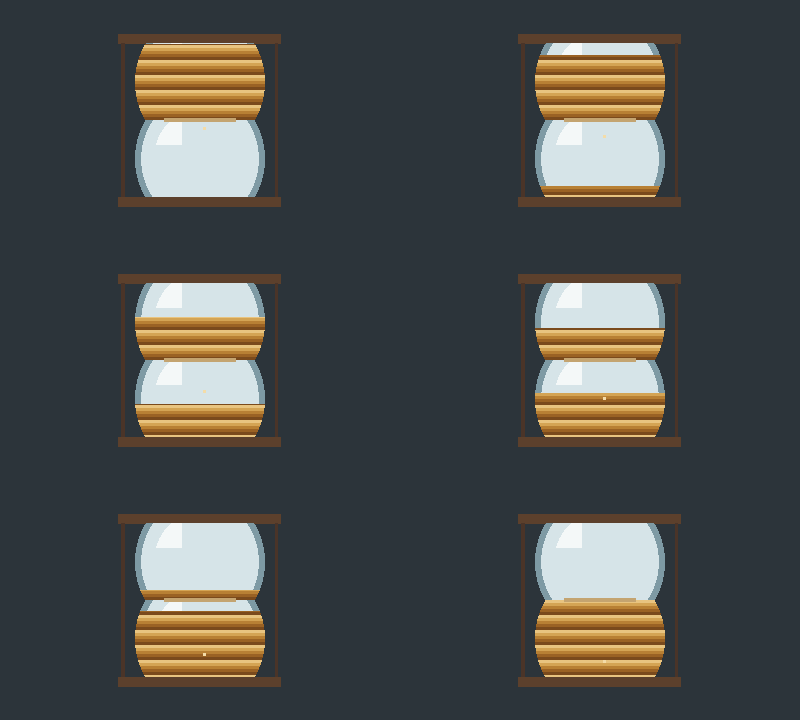
The narrower canvas is the same drawing with the same frame order. Only the fourth wait changed. If that 100 were another 12, the sand would pass the middle at the same pace as fall.gif.
One index can be clear
Transparency, on the GIFs that have it, is one index in that palette with a flag. GIF89a can mark a single color clear, so pixels that use it show whatever is behind the image. Every other index is opaque. There is no partial fade for hair, smoke, or a soft shadow. People fake those edges by mixing nearby colors, and a hard-edged sticker comes through more cleanly than a portrait cut off a photograph.
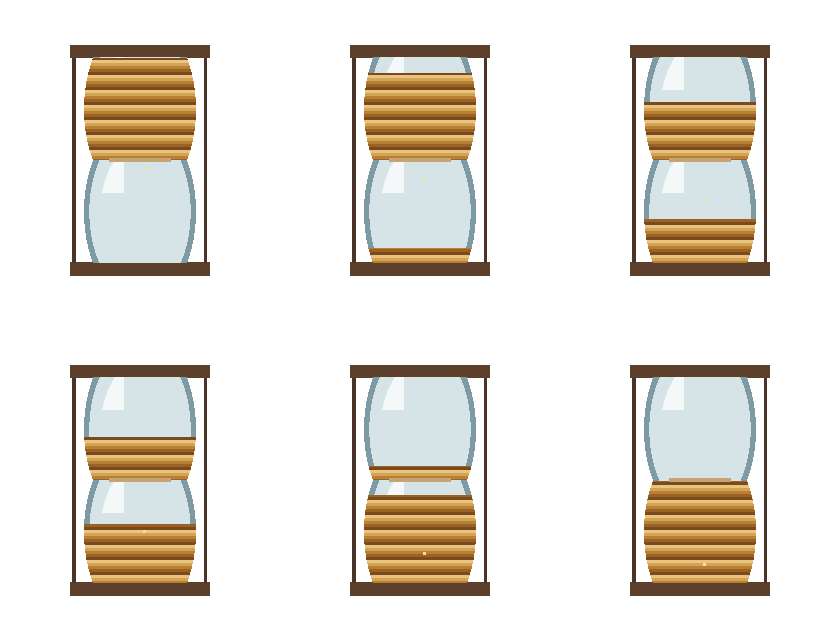
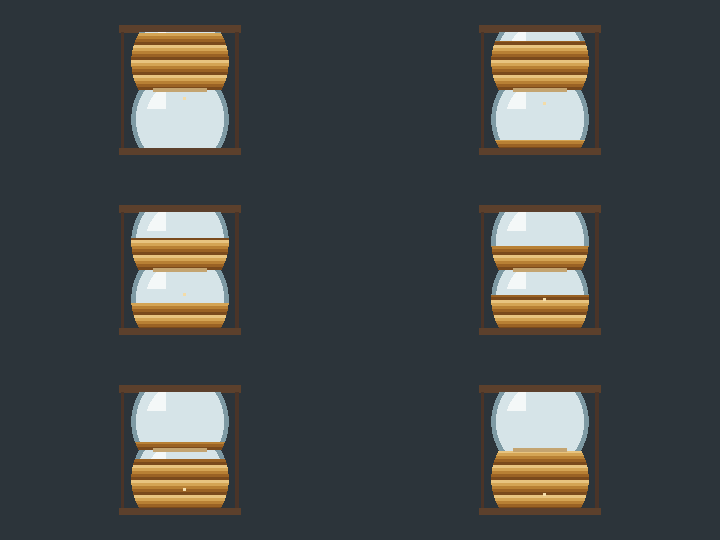
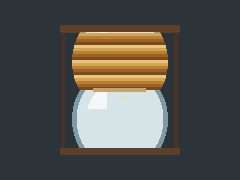
This one is taller than the others so the two bulbs have room to read as glass rather than as a wide mark. The file still has a single clear index. A soft shadow around the foot would need partial opacity, and this format has no place to put it.
Later frames can keep an earlier grain
A frame may paint the whole screen again, or it may leave some of the previous picture where the new frame does not draw. These two hourglasses both paint a full picture every time. The difference is what that picture still contains.
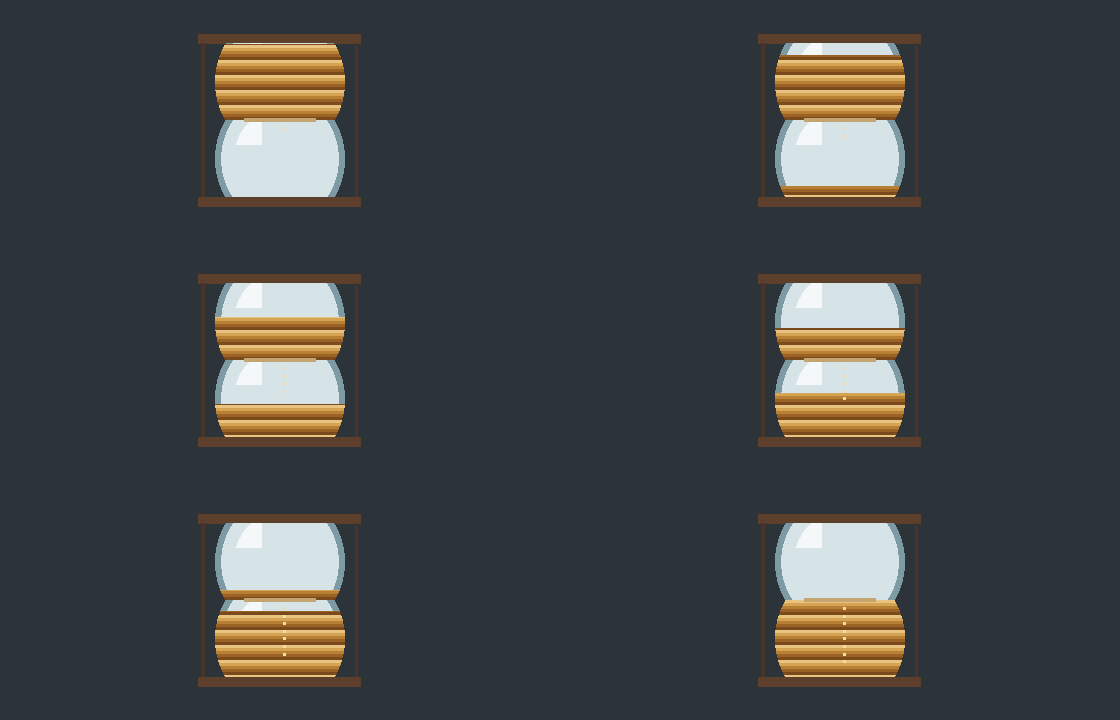
Watch the bottom bulb. fall.gif keeps a single grain moving down. pile.gif leaves the earlier grains where they were, and the column gets longer as the frame number goes up. That is the file's own pixels. It is not the browser adding a trail after the fact.

The repeat is a loop count of zero
Looping is a number written in the file, not a trick the player adds. GIFs that repeat carry a Netscape application extension, the block Netscape Navigator 2.0 defined so an animation could play more than once. The block is named NETSCAPE2.0, and a 16-bit count inside it says how many times to repeat. Zero means keep going. That zero is the usual value behind an infinite loop, which is why so many GIFs seem to run forever without anyone setting a timer. A positive count is a finite repeat. Plenty of editors write zero and hide the control. Leave the block out and playback ends on the last frame. The older GIF87a file, from 1987, has nowhere to store the block.
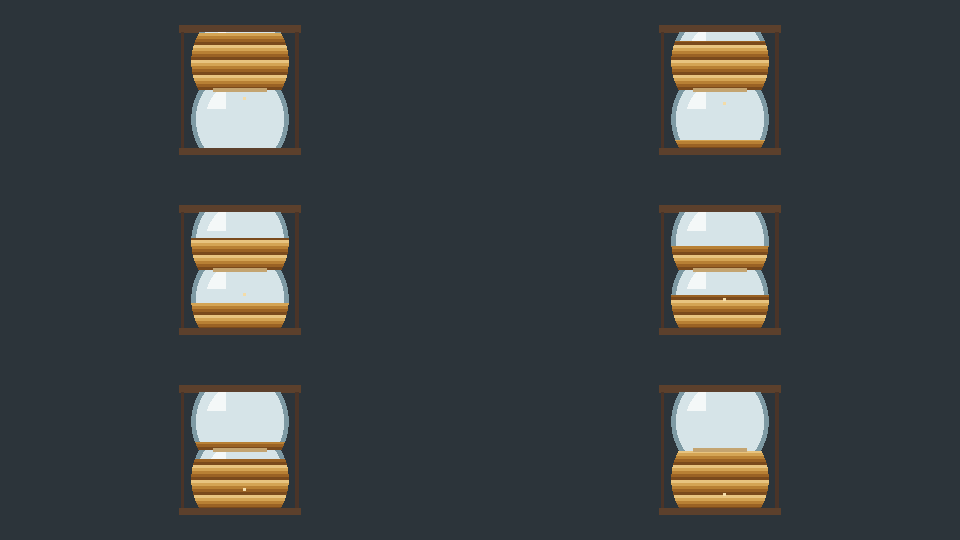
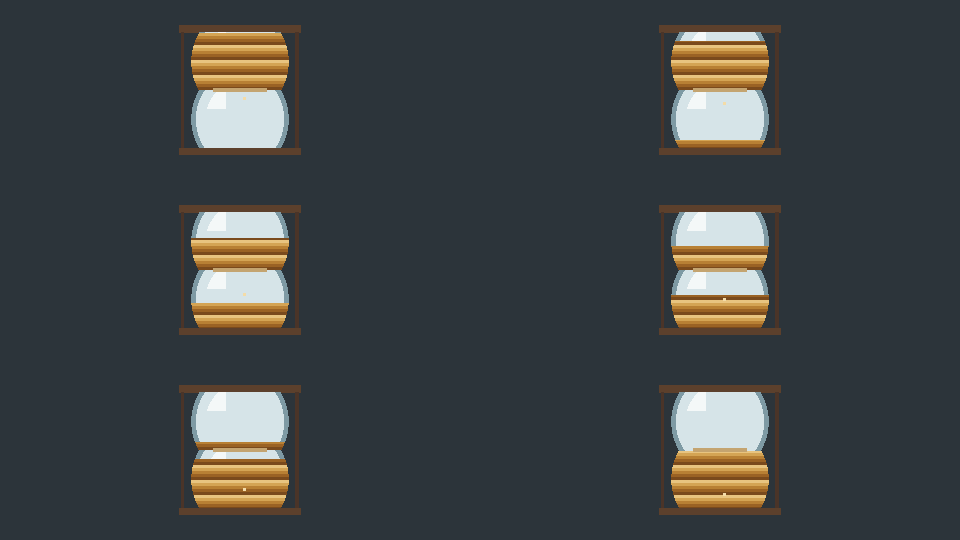
fall.gif, higher up, is the same kind of sand with the count left at 0. That one does not stop. The two files here are the finite cases: no block, and a count of 1.
Where a short loop still belongs
Short loops, stickers, and simple graphics are where a GIF still fits. A reaction in chat, a diagram of about two seconds, or a small interface motion that has to sit in a page as an image can live inside 256 colors, and many editors and documents will show the file without a video player. flat.gif is that case. The square frame, the single sand color, and the hard glass edge are the sort of drawing the table was built for.
A sunset, a face whose color matters, or a clip with someone talking belongs in another format. The palette flattens the sky, every extra second is another full frame, and a voice has no place to go. Video keeps the duration and the sound, while a still format keeps the photograph's color. A GIF made from that material is a smaller, flatter copy, and editing the copy will not restore the shades or the speech the format never stored. bands.gif is the small version of that failure: eight colors, and the sand can only stripe.
When you want to change the file
A GIF that is already the right kind of file can still be edited. You can resize a GIF when you need to change a GIF's dimensions, crop a GIF to drop a margin, or shrink a GIF's file size when the download is heavier than the loop. Separate still pictures can turn still frames into a GIF. Those pages run in the browser, and the file stays on your device.
A sideways GIF can rotate the frames until it stands upright. To fix a loop that feels rushed or sleepy, change how long each frame waits. Play the frames backward when the motion should return to the first frame. A flat color behind the drawing can clear one background color. That clear color is the same single palette index described above, not a feathered mask.
GIF Crate is the set of those tools, for a file that already fits. The fit still comes down to the palette, the frames, the one clear color, and a loop count that is usually zero.